User guide
The ICN Judging App runs a natural bodybuilding competition end to end: registration and payments before the show, check-in at the venue, two-round judging from the judges’ own phones, and placements the moment the last vote lands. There is a guide for every role that works in the app during a show. It is written to be followed step by step, backstage if necessary.
Administrator guide
Section titled “Administrator guide”- Getting startedyour role, signing in, the dashboard
- Create a competitionthe form and the competition workspace
- Categories & judgesrunning order and the judging panel
- Registrations, fees & paymentscompetitors, fee tiers, who has paid
- Competition daycheck-in, starting numbers, handover to the stage
- Results & exportsplacements, finishing, exports
- Users and passwordsrole accounts, issuing the day's credentials, resets
Judge guide
Section titled “Judge guide”- Getting startedsigning in on your phone, reading the dashboard
- Votingpick 5 finalists, rank them, submit
- After votingresults, the next category, troubleshooting
Stage and desk guides
Section titled “Stage and desk guides”- Running the stagethe Commissar: start and finish categories in running order
- Announcing resultsthe Moderator: finalists, winners, and the running clock
- The registration deskthe Admin Worker: check-in and starting numbers
Support role guides
Section titled “Support role guides”- The backstage checklistStaff: line athletes up and mark them ready
- The tanning queueTanning staff: move athletes through the spray-tan steps
How a competition flows
Section titled “How a competition flows”Every competition moves through the same five stages. The app shows the current one on a timeline on the workspace overview, and the header button always offers the next step.
- Created. Setup and registration: the administrator picks categories from the ICN catalog, assigns the judging panel, sets fee tiers, and enters competitors with their categories while payments are tracked.
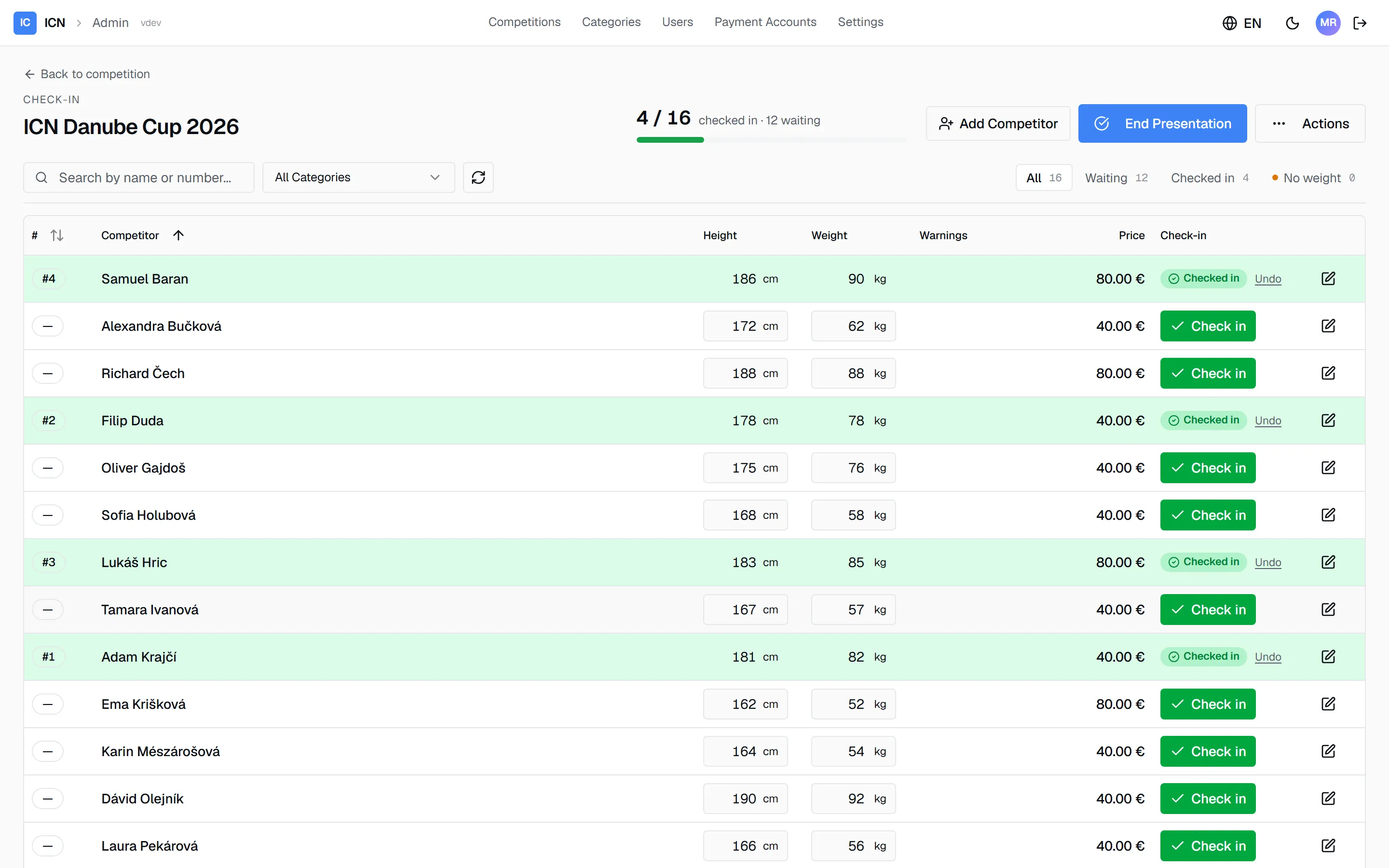
- Registration. Competition day opens. Competitors check in at the venue and receive their starting numbers.
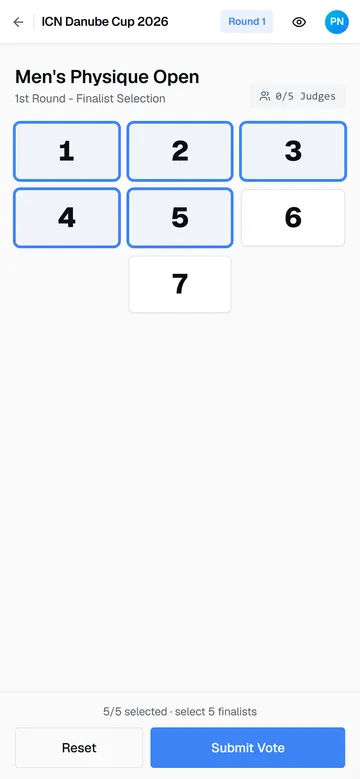
- In Progress. The stage runs. The Commissar starts each category in running order and judges vote in two rounds from their phones.
- Voting Finished. Every category is judged. Placements are already computed.
- Finished. Results are locked as the official record and export as PDF and spreadsheet.
The same day, from both sides of the desk:
Questions that this guide does not answer belong to your ICN system operator, who manages accounts and instances.
Guide version 1.0.18(sha-adb4952)